Ultimate Family Parental Control
Your children are growing up in a world you didn't. Every device in your home is a doorway to the entire internet — the good, the bad, and the dangerous. Ultimate Family gives you the tools to protect them without hovering, and to teach responsibility without locking everything down.
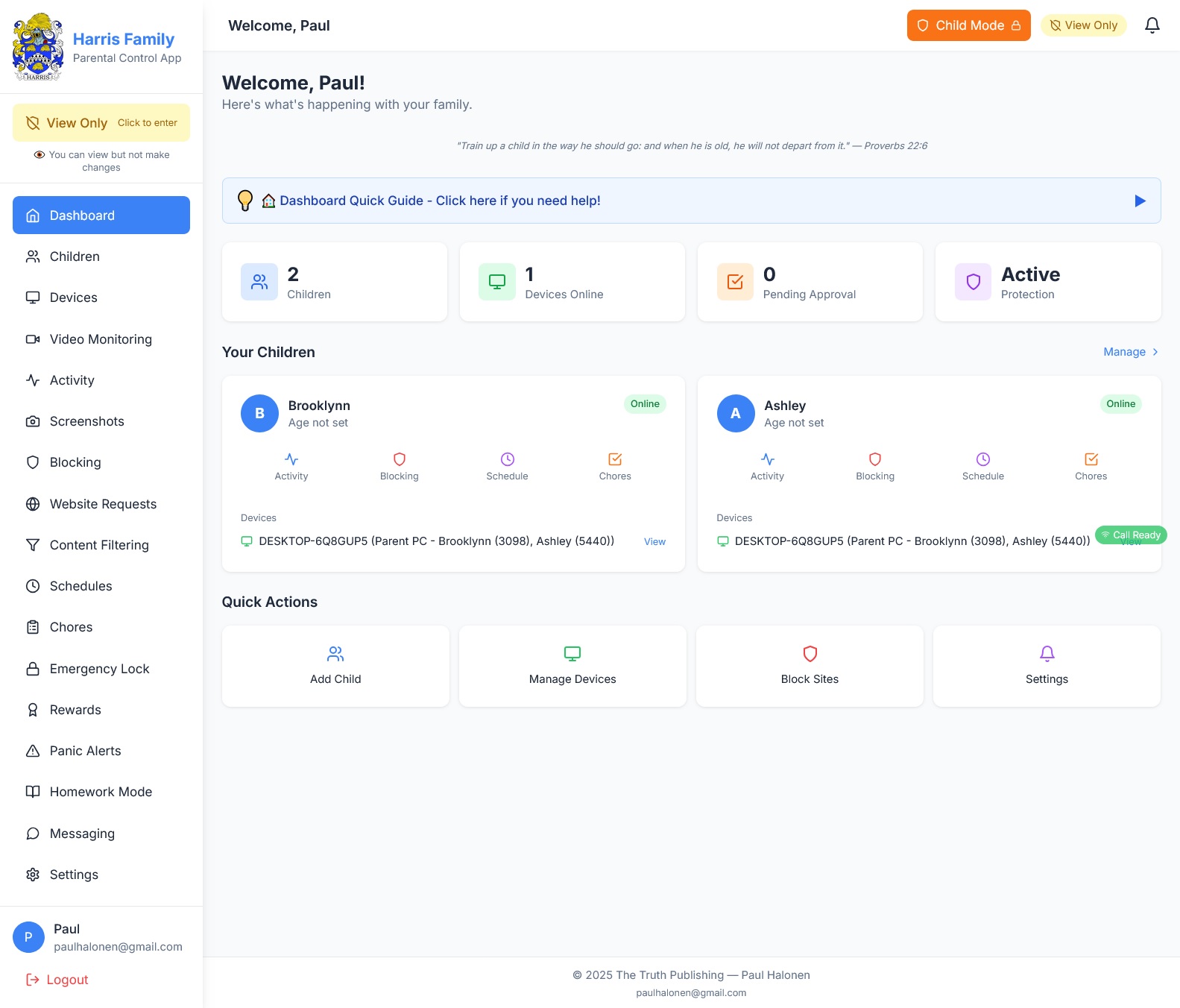
🏠 Your Family Command Center
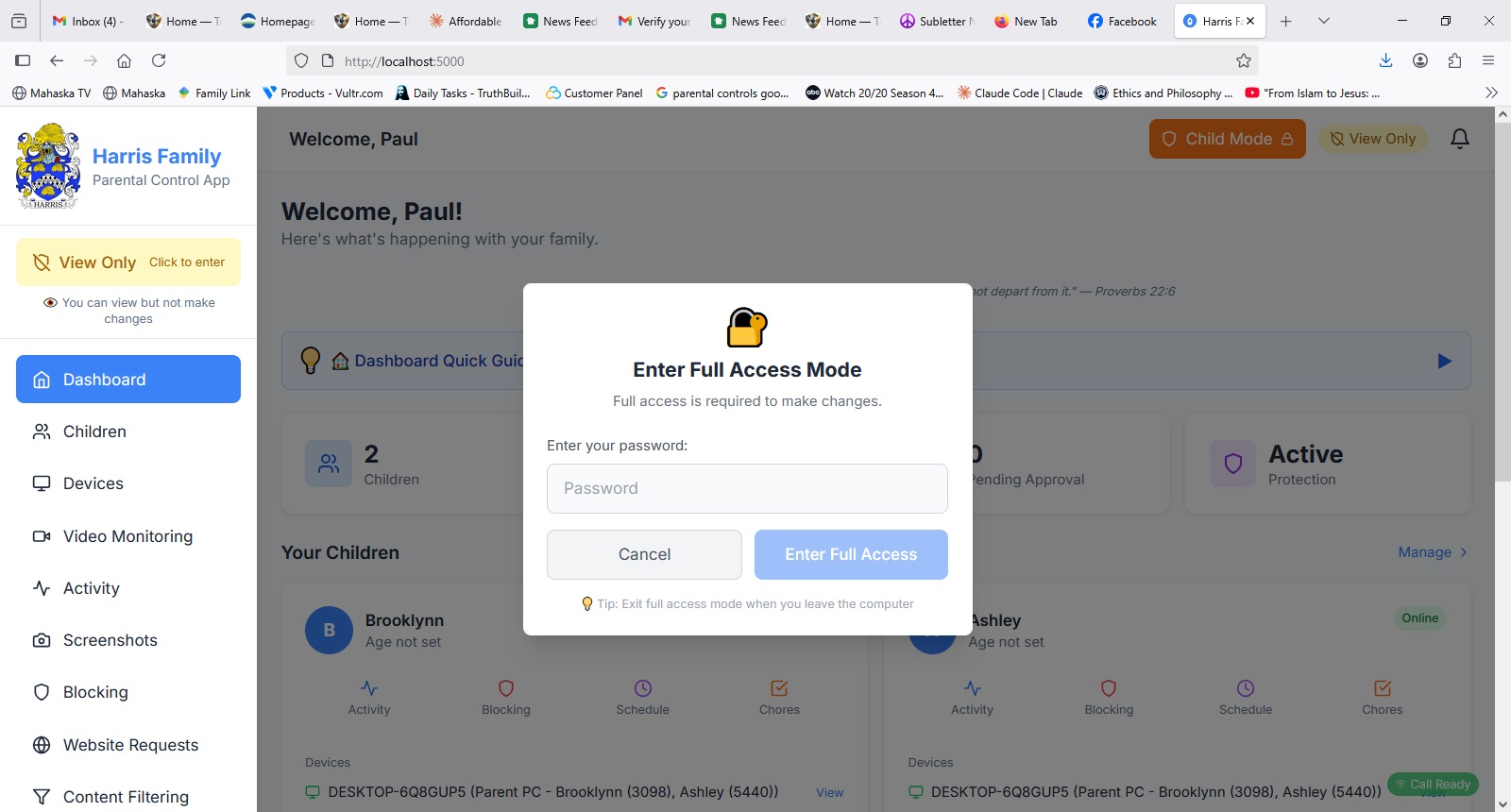
See everything at a glance. Which children are online, which devices are active, what's been blocked today, and whether chores are done.
Each child has their own profile with their own rules. Set screen time, content filters, and app restrictions per child — not per household.
⏱ Screen Time That Actually Works
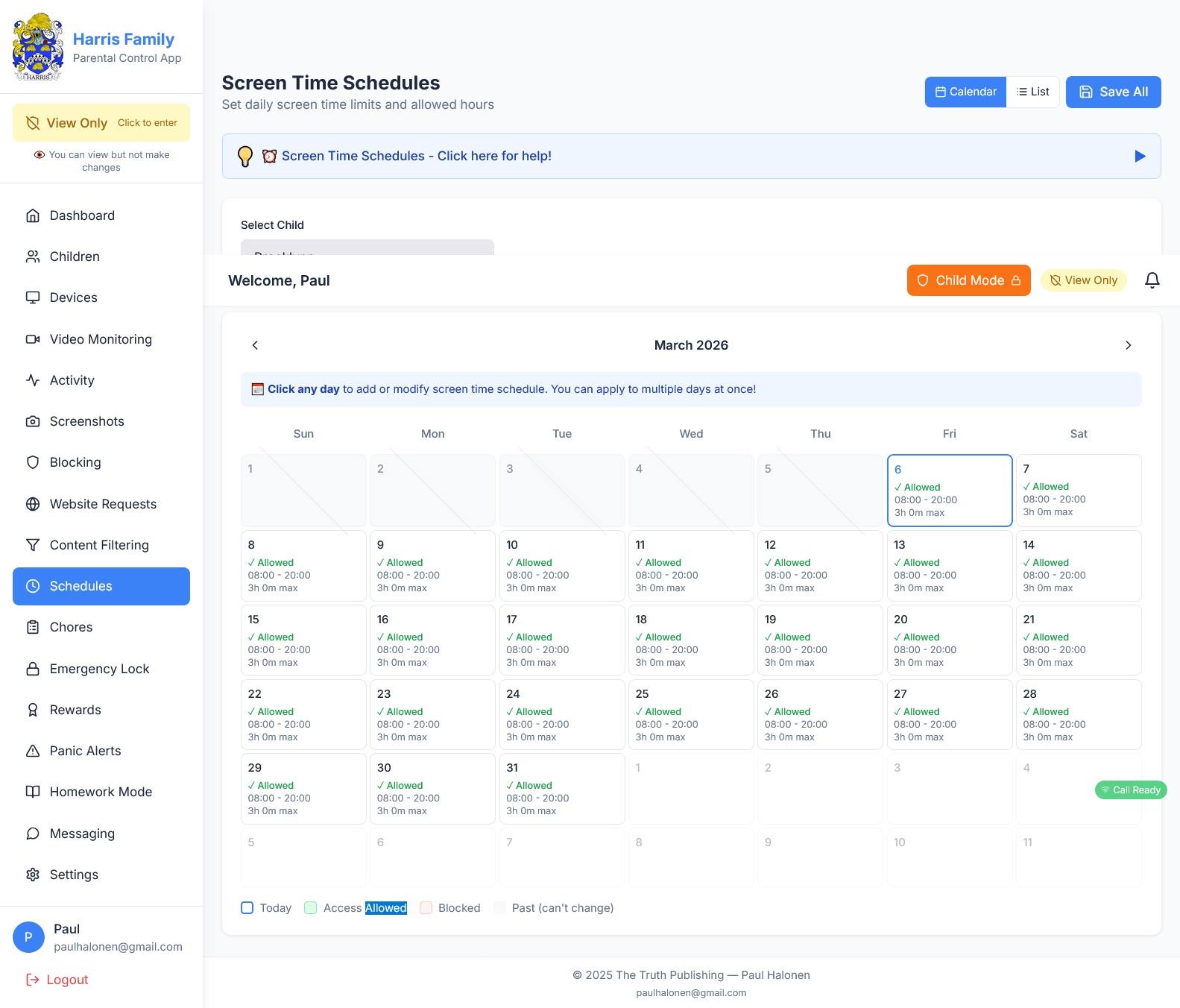
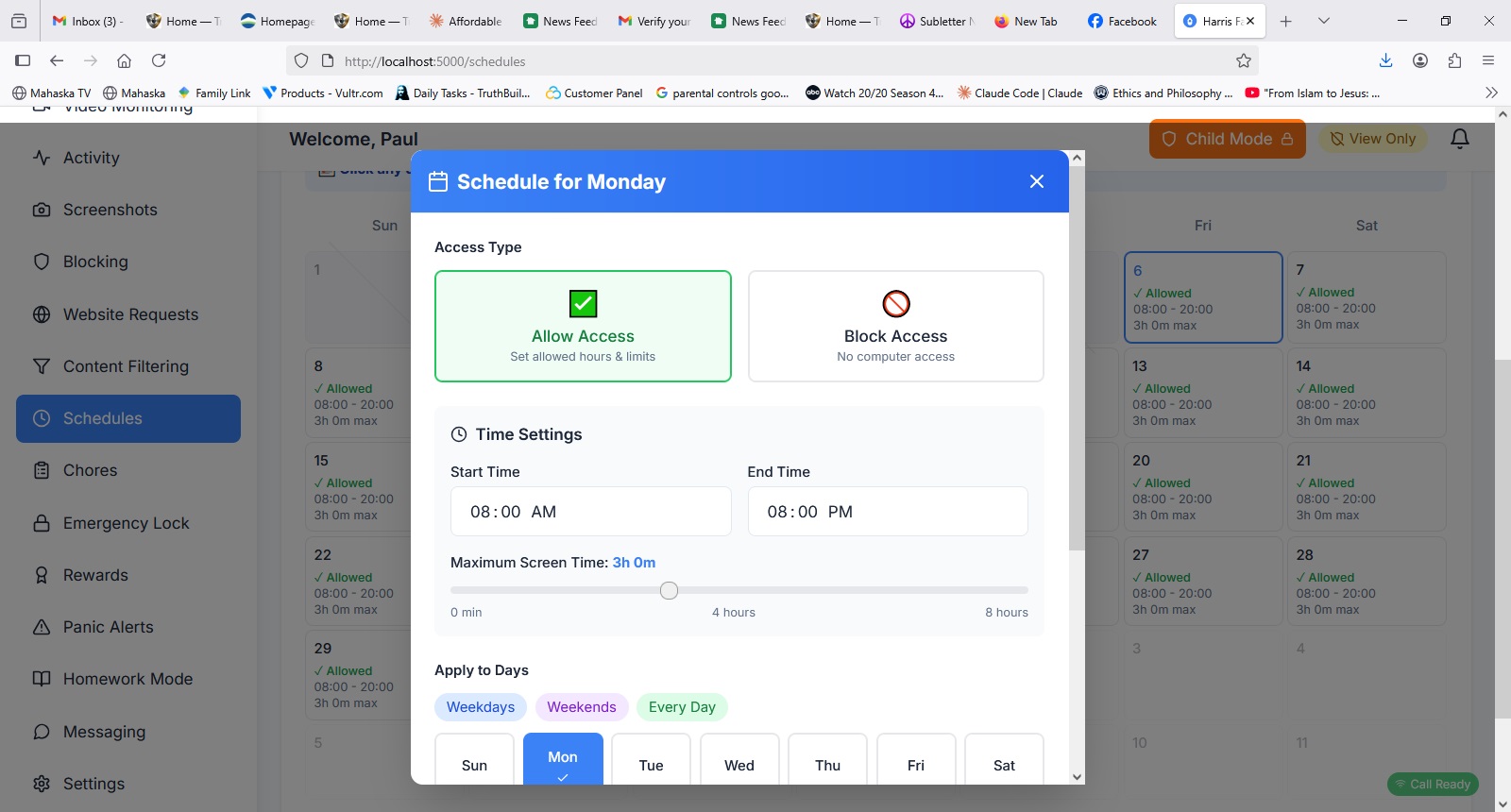
Set daily limits and allowed hours on a visual calendar. Monday through Sunday, each day can have different rules.
When time runs out, the screen locks — no negotiations, no "five more minutes." The computer enforces it so you don't have to be the bad guy.
Real life: It's a Tuesday night. Your son has been on the computer since he got home from school. At 8:00 PM, the screen fades to a gentle countdown: "5 minutes remaining." At 8:05, it locks. No argument. No yelling. Just the rule you set on Sunday night, enforced automatically.
📲 The "Call Mom" Button & Video Monitoring
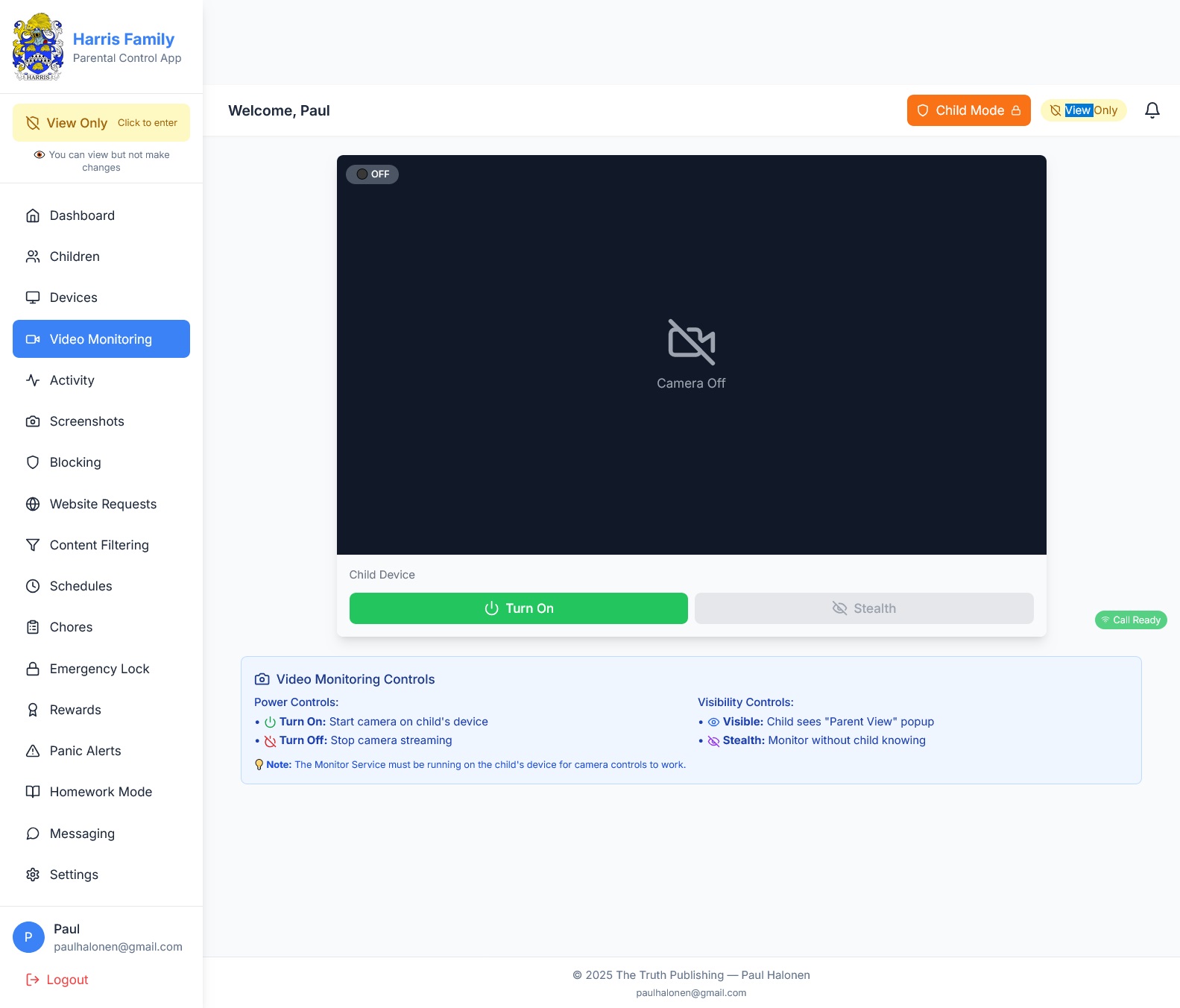
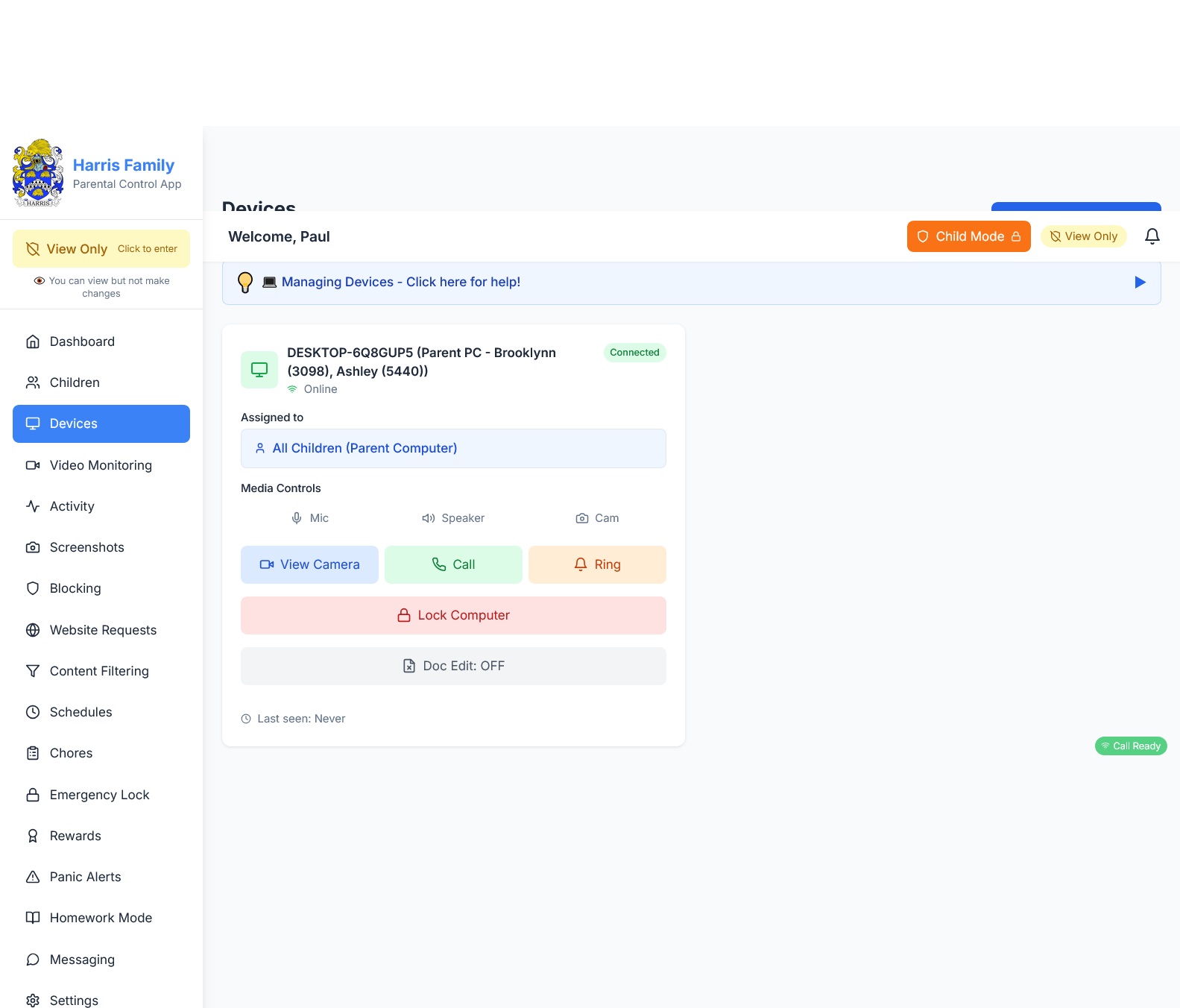
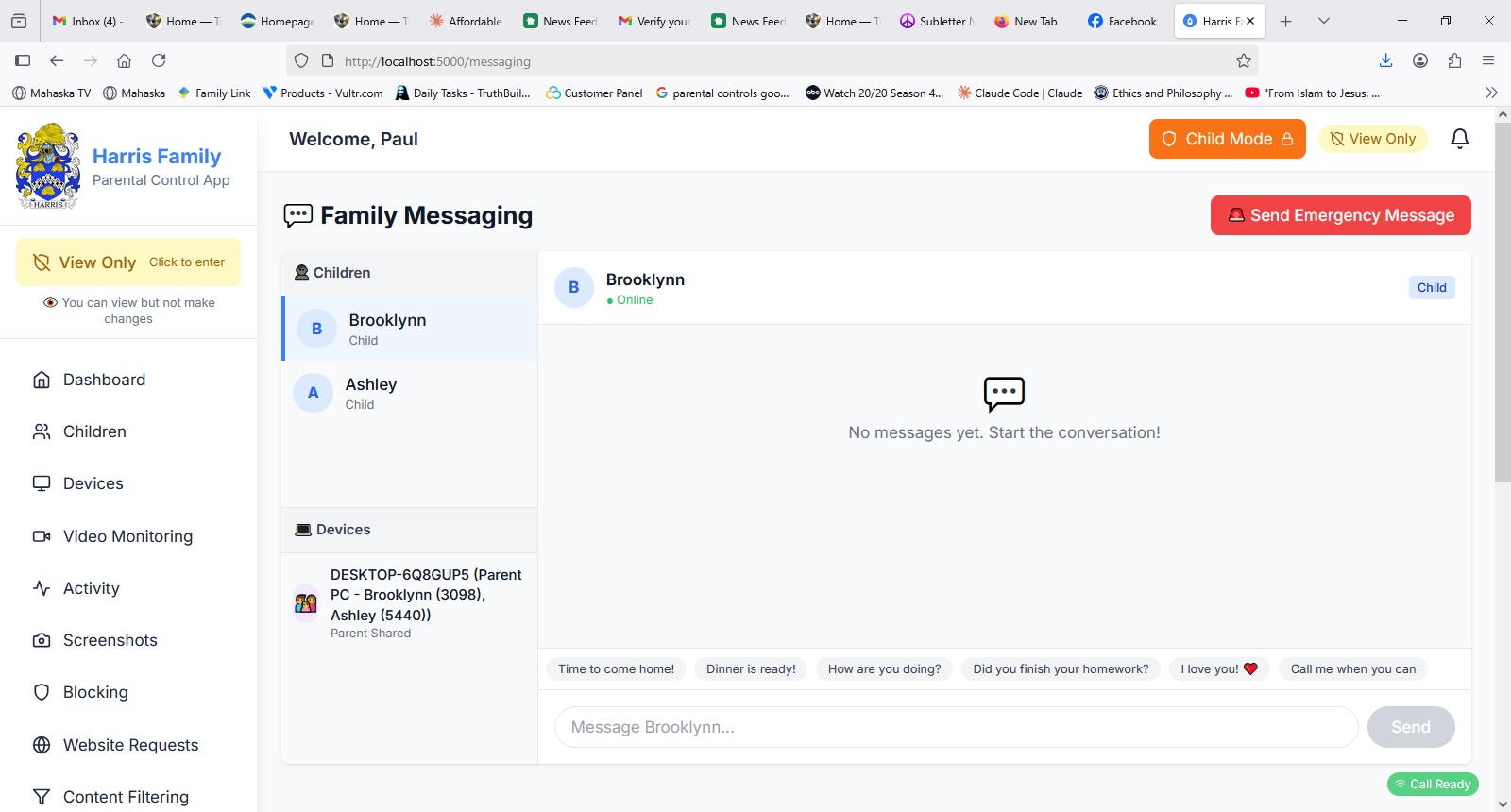
Every child's screen has a big, friendly "Call Mom" button. One click and they're face-to-face with you — no phone number to remember, no app to download.
On your side, you can check in on your child's webcam anytime. In Communication Mode, they see a popup. In Stealth Mode, you can quietly verify they're doing homework.
Real life: You're at work. Your 9-year-old is home with the babysitter. She clicks "Call Mom" because she can't find her art supplies. You see her face instantly on your phone, point her to the right drawer, and she's happily painting in 30 seconds.
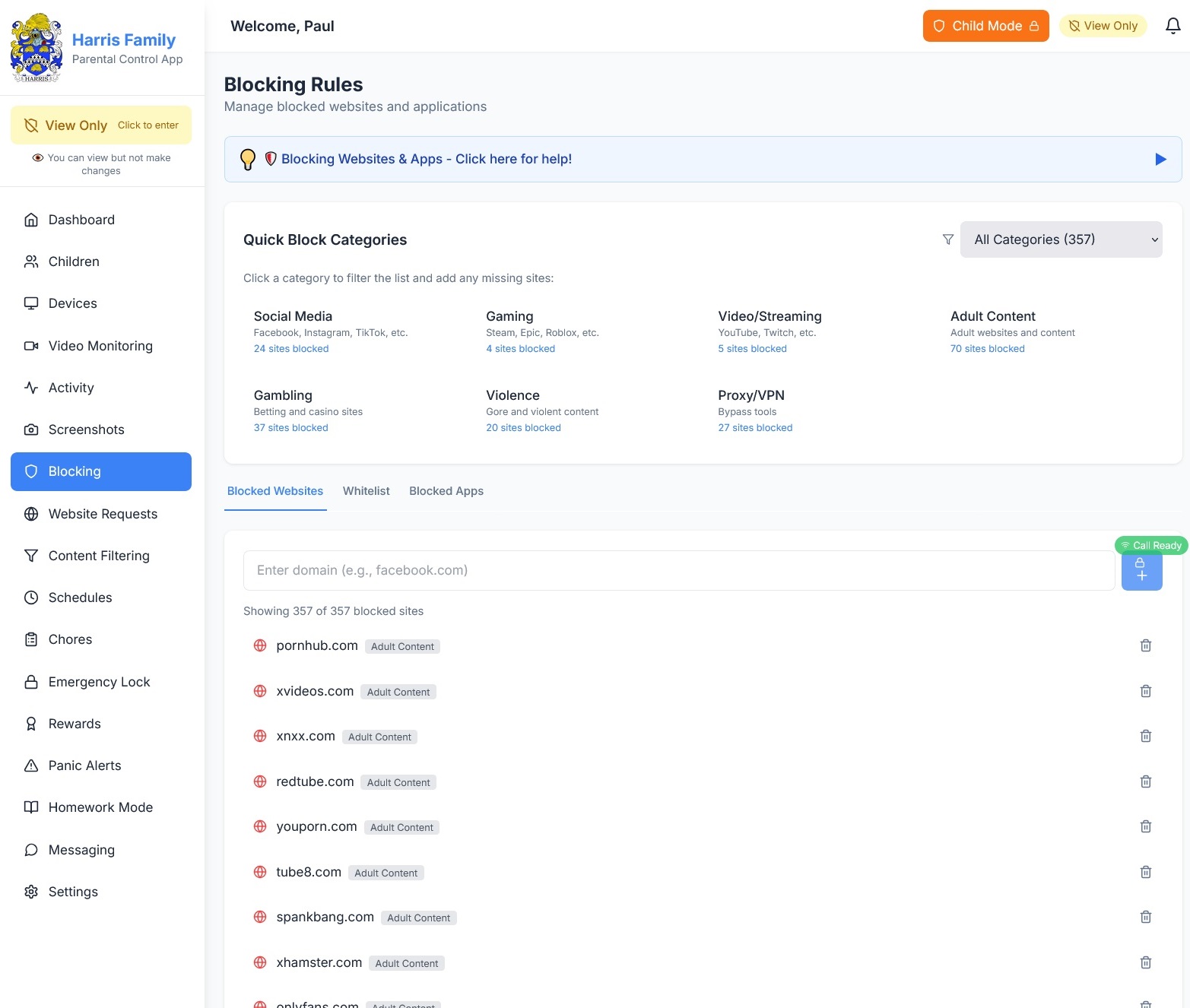
🔒 Website Blocking & Content Filtering
Block entire categories — adult material, gambling, violence, social media — or block specific websites by URL. Works at the system level across every browser.
Every blocked attempt is logged so you can have informed conversations about internet safety. Need to unblock something for homework? Whitelist it in two clicks.
✅ Chores Before Screens
Assign chores to each child. When they turn on the computer, they see a checklist. The computer stays locked until you approve.
They check off each task. You review from your phone. Tap approve and the computer unlocks. If they rushed? Tap reject with a note.
Real life: Saturday morning. Your kids boot up the computer and see: "3 chores need to be completed." Clean room. Fold laundry. Feed the dog. They do all three, check them off, you approve from your phone. Screen time is earned, not given.
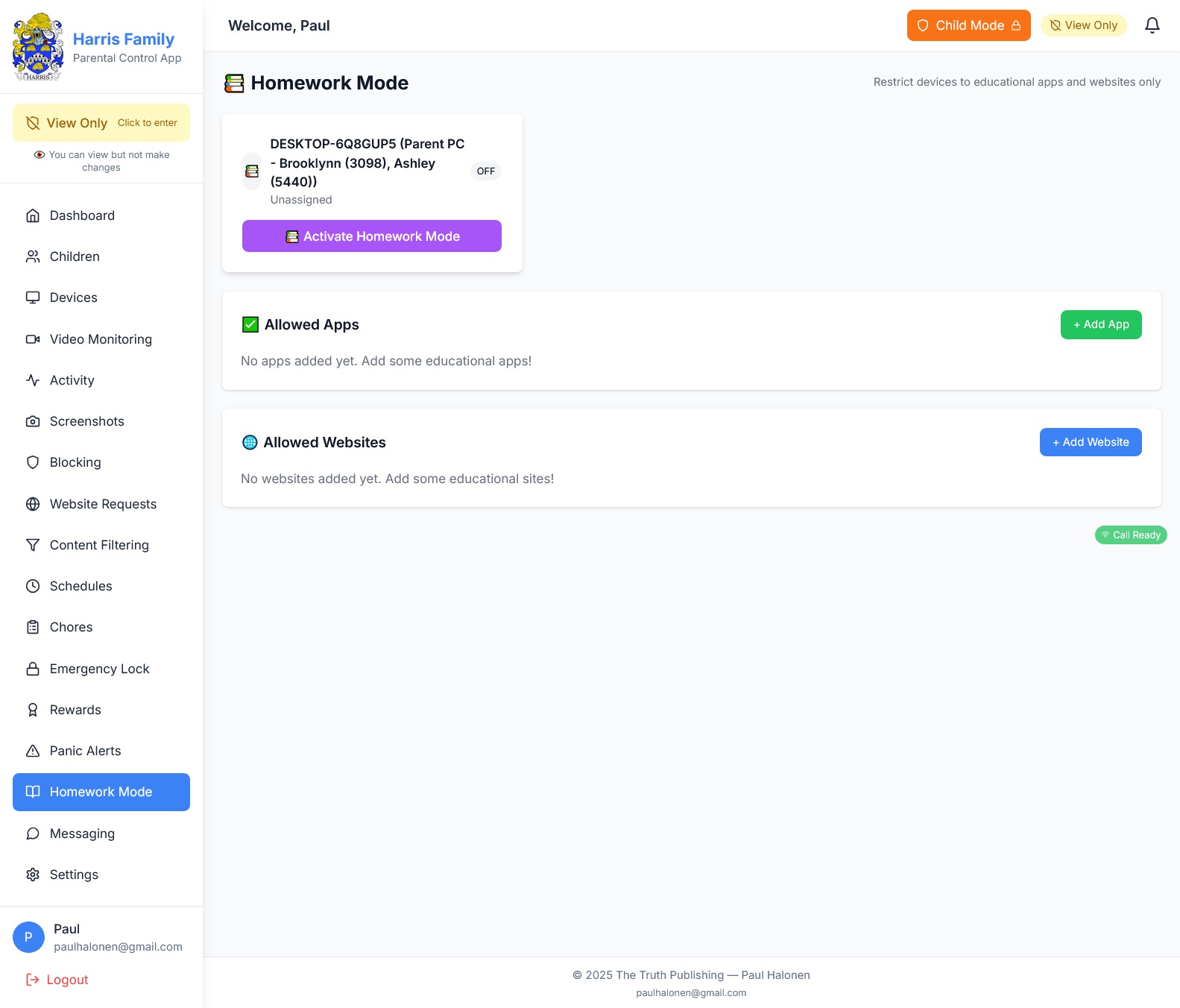
📚 Homework Mode
One button turns any computer into a homework machine. Only educational apps and approved websites work. Everything else is blocked.
You control the whitelist: Khan Academy, Google Classroom, their school portal. The rest disappears until you turn Homework Mode off.
Real life: Your daughter says she needs the computer for a school project. You activate Homework Mode from your phone. She has Google Docs and Khan Academy. TikTok? Blocked. When the project is done, you deactivate it from wherever you are.
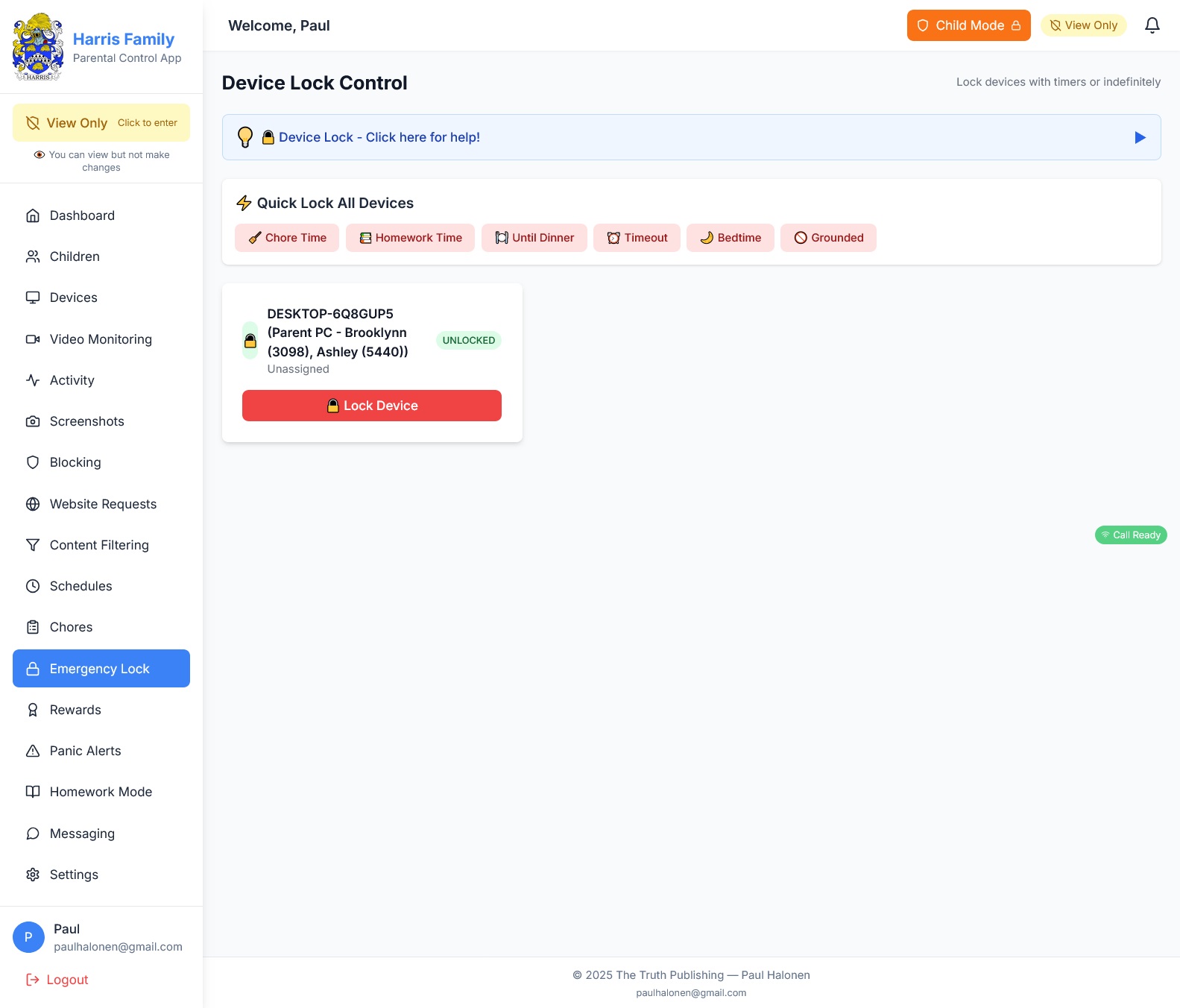
🔐 Emergency Lock & Panic Alerts
Lock any device instantly from your dashboard. The screen goes dark immediately. Use it when bedtime rules are broken or when a stranger is messaging your child.
Panic Alerts work the other way: your child can trigger an alert if something makes them uncomfortable online. They hit the panic button and you get a notification with their screen activity.
🌐 Manage from Anywhere
Your family dashboard is accessible from any device with a browser. Adjust screen time, approve chores, check activity logs, or video call your child from your phone.
Built with secure Cloudflare tunnel technology. No complicated router setup. No port forwarding. Just log in and you're connected.
More from the App
🔒 Your Family's Data Stays in Your Home
No cloud surveillance. No third-party servers. Everything runs locally on your home network. Your data never leaves your house.
🔗 Integrates with TruthVault VPN
Ultimate Family works standalone or connects to your TruthVault VPN dashboard for unified family protection.
Get Notified When It Launches
Be the first to know when Ultimate Family Parental Control is available. Summer 2026.
✓ You're on the list!